PDFshelf helps you turn PDF reading into lasting notes you can review and reuse.
It's a tool for note-taking and review.
With PDFshelf, you can highlight text, write annotations, and capture meaningful excerpts as you read.
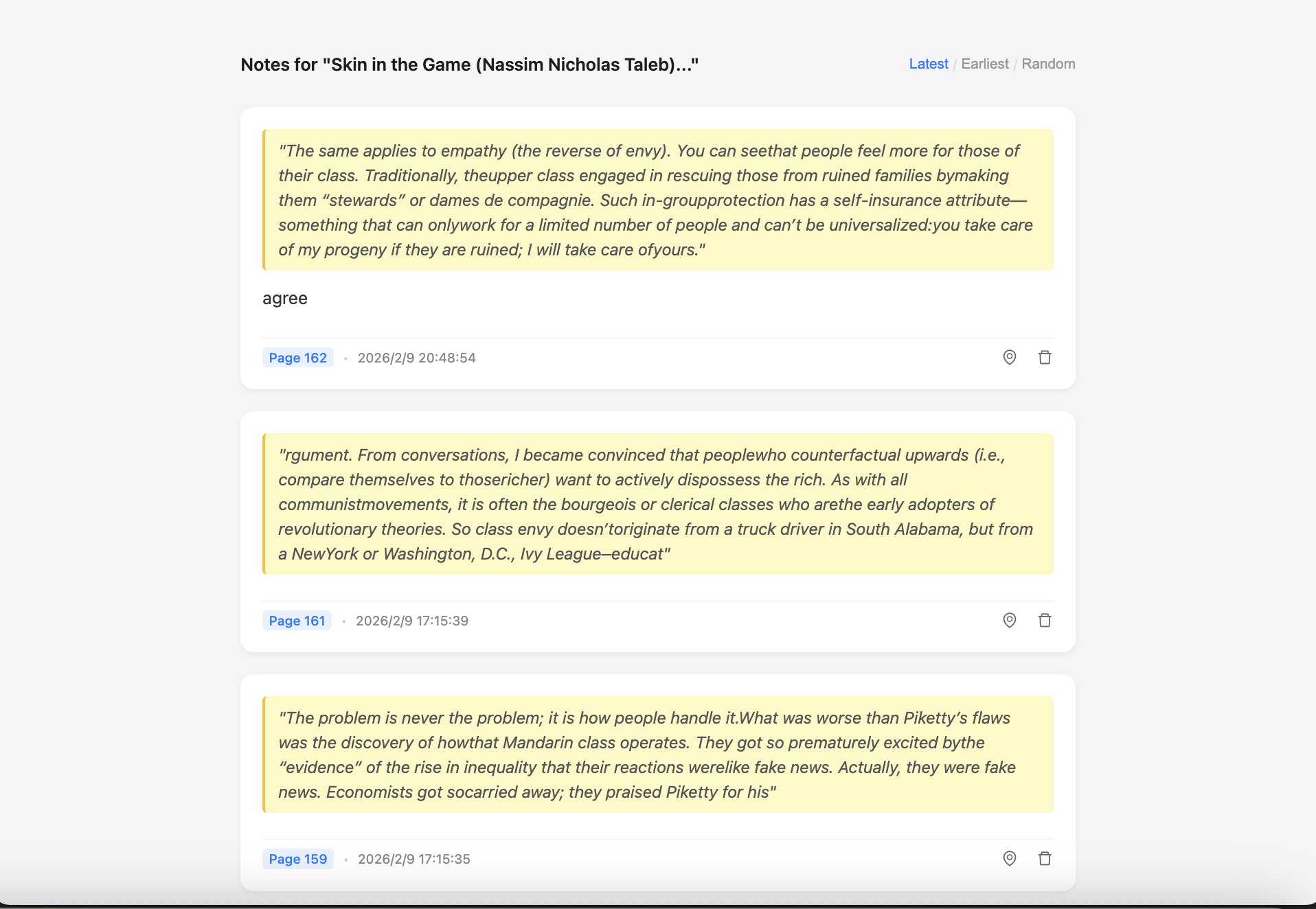
Select text and add a note. Keep the quote and your thoughts together.
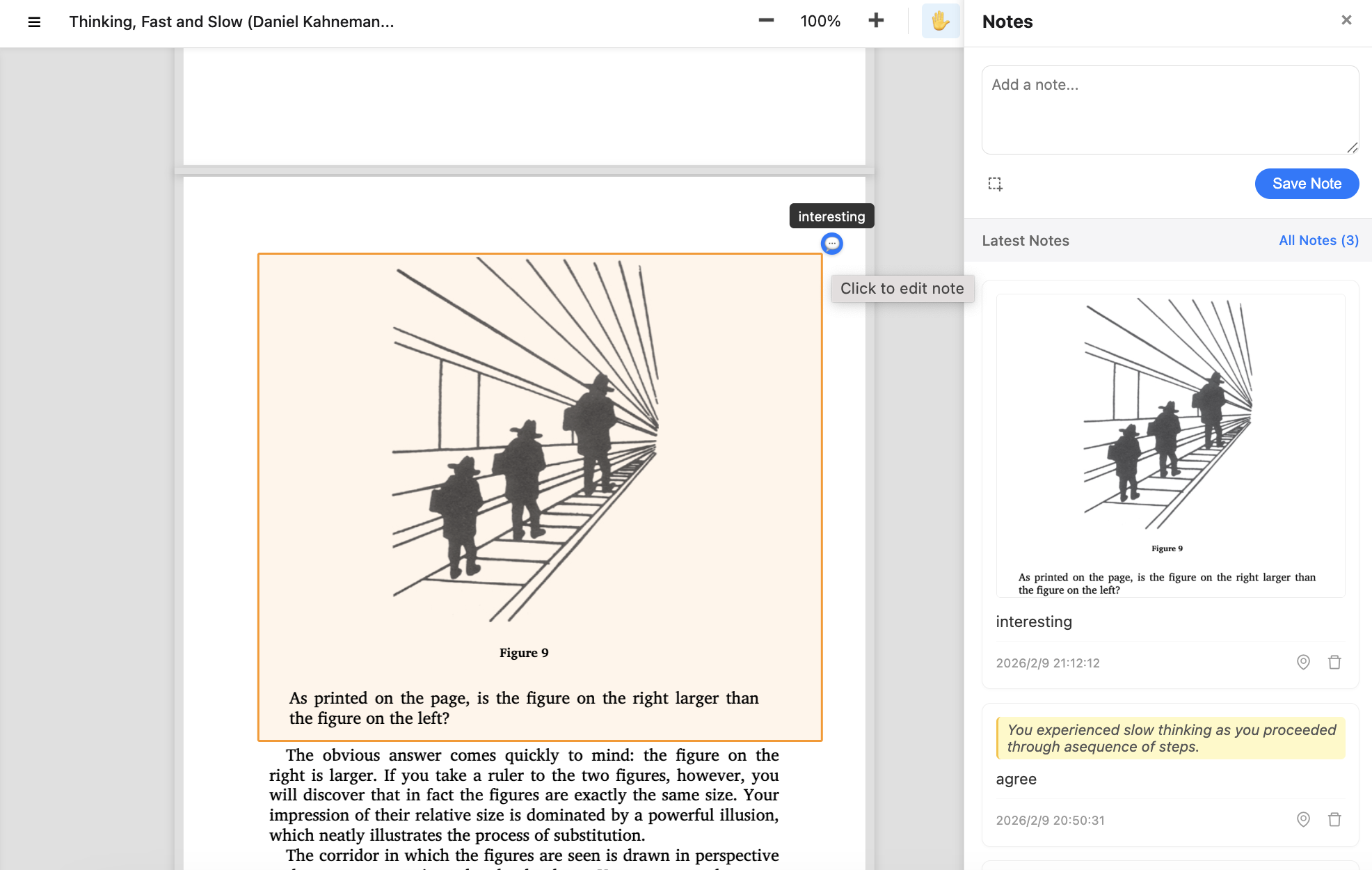
Drag to capture any region. Save as an image with precise page location.
See latest notes at a glance with quotes, screenshots, and comments.
Jump from a note back to the exact page and selection on demand.
Navigate large documents quickly with smooth page previews.
Your documents and notes stay on your device. No uploads, no tracking.
Simple interaction patterns designed for focus.
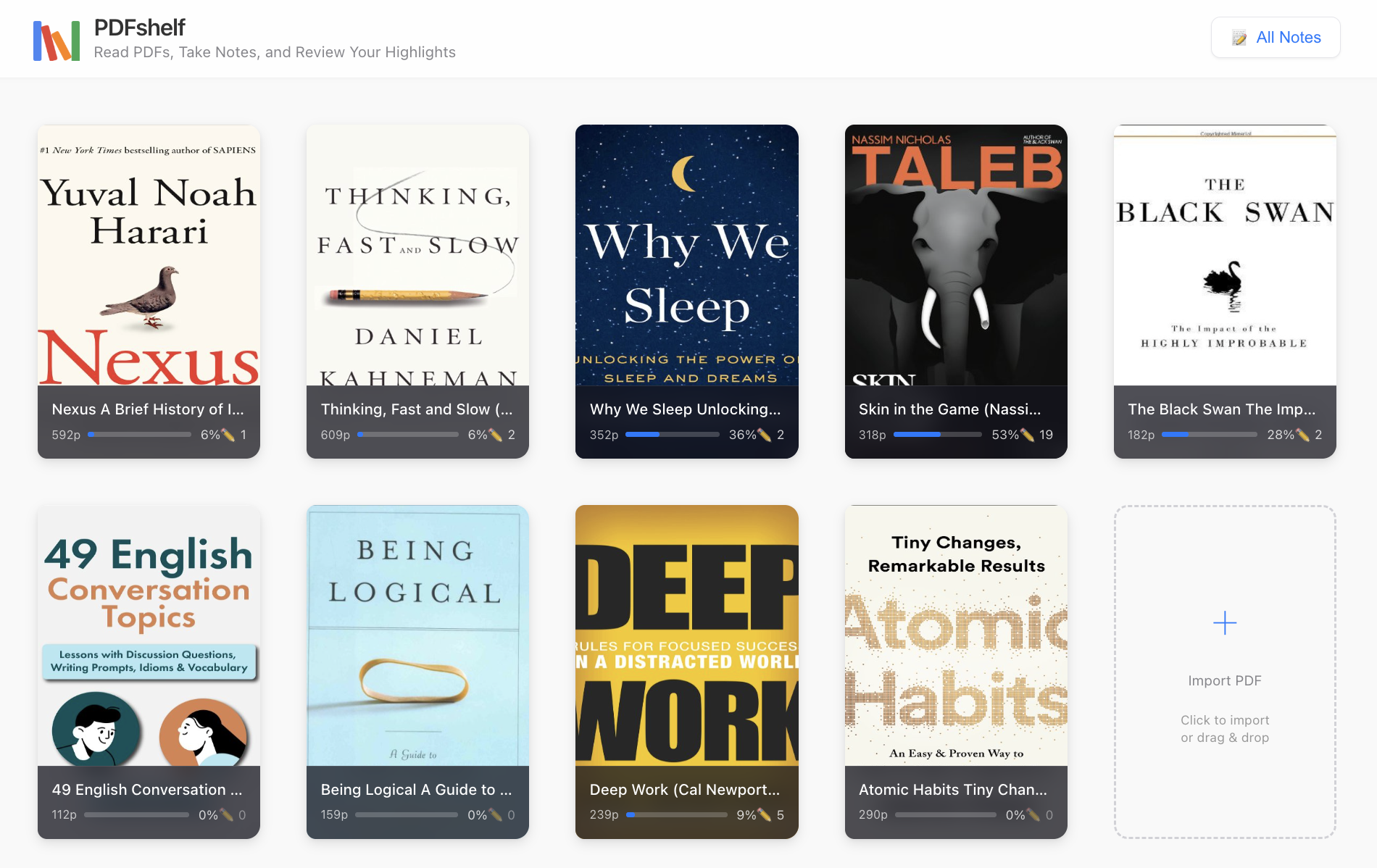
Drag a PDF into PDFshelf or open from the home page. Use zoom and pan to focus.
Select text to highlight and annotate, or activate screenshot mode to capture any area.
Notes appear in the sidebar. Click a note to locate it in the original context.
Quick answers to common questions.